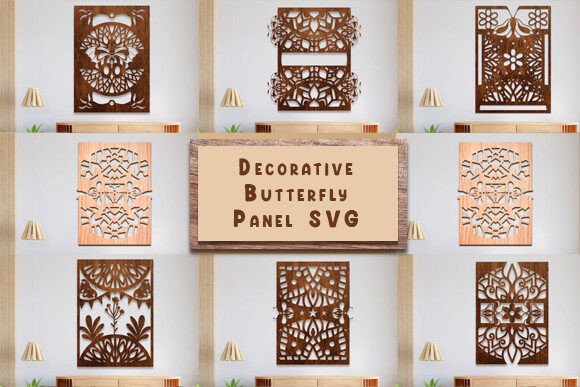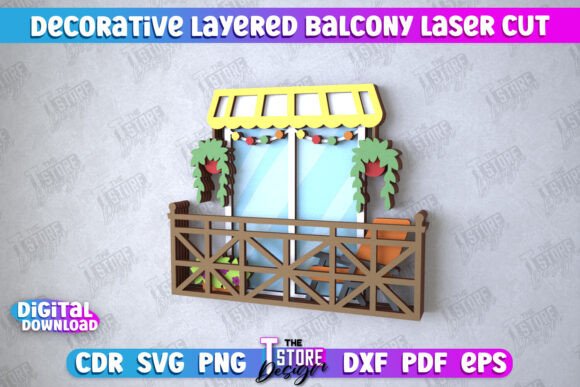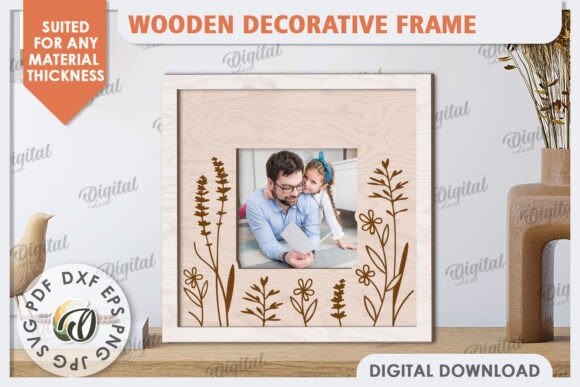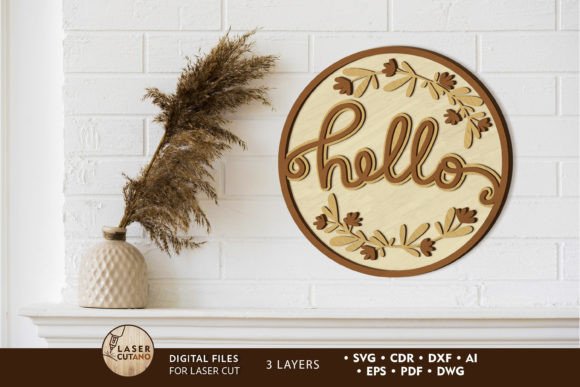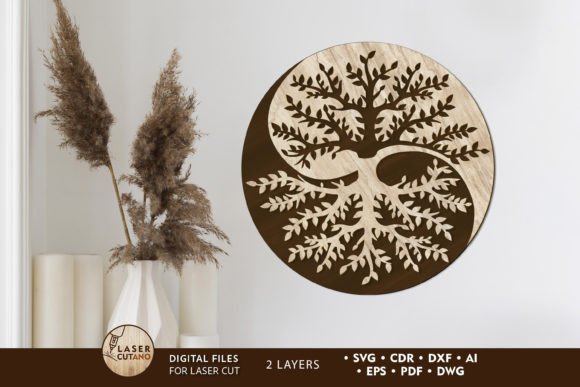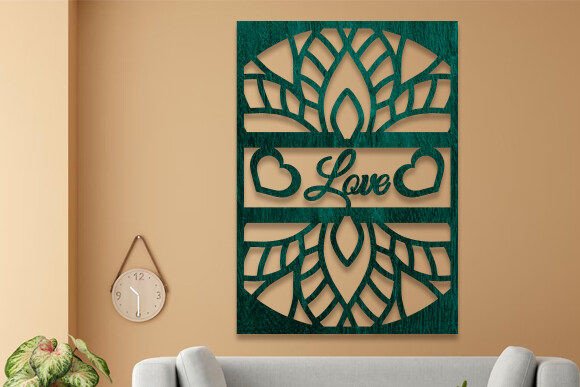
Transforming Spaces with Decorative Laser Cut Panel SVG Designs
There is something undeniably satisfying about watching a flat sheet of material transform into an intricate work of art through the precision of a laser cutter. At the heart of this transformation lies the digital blueprint, specifically the Decorative Laser Cut Panel SVG. These files are more than just lines on a screen; they are the bridge between a creative concept and a tangible reality. Whether you are a seasoned fabricator, an interior designer looking for unique wall treatments, or a hobbyist with a new machine, understanding how to leverage these vector files can open up a world of possibilities for customization and design.
When we talk about a Decorative Laser Cut Panel SVG, we are referring to scalable vector graphics specifically optimized for cutting machines. Unlike standard images that pixelate when zoomed in, SVGs maintain perfect clarity at any size. This makes them ideal for projects ranging from small jewelry pieces to massive room dividers. The beauty of working with these files is the consistency they offer. You can cut the same pattern today and again five years from now, and the dimensions will remain identical, ensuring reproducibility for commercial batches or replacement parts.
Real-World Applications Across Industries
The versatility of these designs means they find homes in vastly different environments. In the realm of interior design, decorative panels have become a staple for creating feature walls and privacy screens. Imagine a modern office space that feels too open and noisy. Installing laser-cut panels with organic, flowing patterns can act as a sound dampener while adding a sophisticated visual element that separates workstations without blocking light entirely. Architects and contractors often rely on DWG and DXF versions of these files to integrate them directly into their CAD workflows, ensuring that the panels fit perfectly within specific architectural constraints.
Moving beyond commercial spaces, the wedding and event industry has embraced these files with enthusiasm. Custom backdrops for photo booths, intricate table numbers, and even cake toppers are frequently produced using these SVG templates. The ability to scale a design means a single file can be used to create a massive ceremony arch one day and delicate favor boxes the next. For event planners, having access to high-resolution PNG and JPG previews alongside the vector files allows them to visualize the final product instantly and share mockups with clients before a single piece of wood or acrylic is cut.
Small business owners and Etsy sellers also find immense value in these resources. Creating home decor items like geometric plant stands, ornate clock faces, or personalized name signs requires reliable source files. When you purchase a comprehensive package that includes AI vector files, EPS, and SVG formats, you gain the flexibility to edit nodes, adjust thicknesses, or combine elements to create something unique. This adaptability is crucial for standing out in a crowded marketplace where customers are increasingly seeking one-of-a-kind items rather than mass-produced goods.
Navigating File Formats for Maximum Compatibility
One of the most practical aspects of acquiring a professional-grade design pack is the variety of file formats included. Not every user operates with the same software ecosystem, and having options ensures that nobody is left stranded. For those deeply embedded in the Autodesk environment or using traditional CAD programs for engineering-focused applications, the inclusion of DWG and DXF files is a game-changer. These formats preserve the precise geometry needed for structural components, allowing engineers to verify load-bearing capacities or fitment within larger assemblies.
On the creative side, graphic designers often prefer working in Adobe Illustrator or CorelDRAW. Here, the AI and EPS files shine. They allow for easy manipulation of colors, layers, and paths. If you need to modify a specific curve in a floral pattern or thicken a strut to prevent breakage in a fragile material like thin plywood, these editable vector formats are essential. Meanwhile, the SVG file remains the universal standard for web-based cutting software and many consumer-grade laser cutters, offering a balance of editability and compatibility that works straight out of the box.
It is also worth noting the utility of the included raster images. High-quality PNG and JPG files might seem secondary to the vector data, but they serve a critical role in marketing and visualization. Before committing to a costly material purchase, being able to drop a realistic image of the pattern into a Photoshop mockup helps stakeholders approve designs quickly. It saves time and reduces the risk of errors by ensuring everyone agrees on the aesthetic direction before the laser ever fires.
Material Considerations and Design Limitations
While the digital file provides the roadmap, the physical outcome depends heavily on material selection and machine calibration. A common consideration when using a Decorative Laser Cut Panel SVG is the kerf—the width of the cut made by the laser. Intricate designs with very fine details may require adjustments if you are switching from cutting 3mm acrylic to 18mm MDF. What looks perfect on screen might result in fragile bridges or disconnected pieces if the material is too thick or the details too tight.
Users should also be mindful of the "bridge" effect in large panels. If a design features large open spaces with isolated islands of material, those islands might fall out during the cutting process unless properly anchored. Experienced makers often add tiny tabs to hold these pieces in place, a modification easily done in the AI or DWG files before cutting. Additionally, the choice of material affects the visual weight of the pattern. A dense, complex pattern might look elegant in dark walnut but could appear cluttered and heavy if cut from bright white acrylic. Testing scales on scrap material is always a wise step before running a full sheet.
Empowering Creativity Through Accessibility
The democratization of manufacturing tools has put powerful capabilities into the hands of individuals who previously relied on industrial shops. With a decent desktop laser cutter and the right Decorative Laser Cut Panel SVG files, a homeowner can refurbish old furniture with custom inlays, or a teacher can create engaging tactile learning aids for students. The barrier to entry is lower than ever, but the quality of the output still hinges on the quality of the input files.
Having access to a complete suite of formats—SVG, DXF, EPS, AI, DWG, plus high-res images—means that whether you are a tech-savvy engineer or a visual artist, you have the tools you need. It removes the friction of file conversion and compatibility issues, letting you focus on the creative process. Whether you are prototyping a new product line or simply adding a personal touch to your living space, these files provide a robust foundation for innovation.
Ultimately, the value of these designs lies in their ability to solve problems creatively. Need to hide unsightly wiring? A laser-cut panel can become a stylish cover. Looking to brand a retail space? Custom cut logos integrated into shelving units can reinforce identity subtly yet effectively. The applications are limited only by imagination and material constraints. As you explore the potential of these vectors, remember that the best results come from understanding both the digital precision of the file and the physical properties of the material you intend to cut.
If you find yourself unsure about which file format suits your specific machine or project requirements, reaching out for clarification can save hours of troubleshooting. Every project has its nuances, and having support ensures that your transition from digital design to physical object is as smooth as possible. Thank you for exploring the potential of decorative laser cutting; may your creations be precise and your inspiration endless.